














Best-in-Class
Google Reviews widget for website
Embed reviews of your place from Google to seamlessly integrate the best customer impressions into your website experience.
Trusted by over 3,000,000 small business, agencies and top global brands worldwide


Create your Google Reviews widget
Configure your widget and add it to your website for free!
Why do I need Pop Widget Google Reviews?
Elevate trustworthiness showing real clients’ reviews
Uphold the authenticity of your reviews utilizing a popular business review platform whose respectability is trusted by a huge number of people
Elevate trustworthiness showing real clients’ reviews
Uphold the authenticity of your reviews utilizing a popular business review platform whose respectability is trusted by a huge number of people
Elevate trustworthiness showing real clients’ reviews
Uphold the authenticity of your reviews utilizing a popular business review platform whose respectability is trusted by a huge number of people
99.9%
websites support
1,000+
hours of development invested
1 min
to start using the widget
97%
customer satisfaction rate
What makes Pops Widget Google Reviews special?
Integrating Google reviews
Reviews from Google for your spotless reputation
Integrating Google reviews
Reviews from Google for your spotless reputation
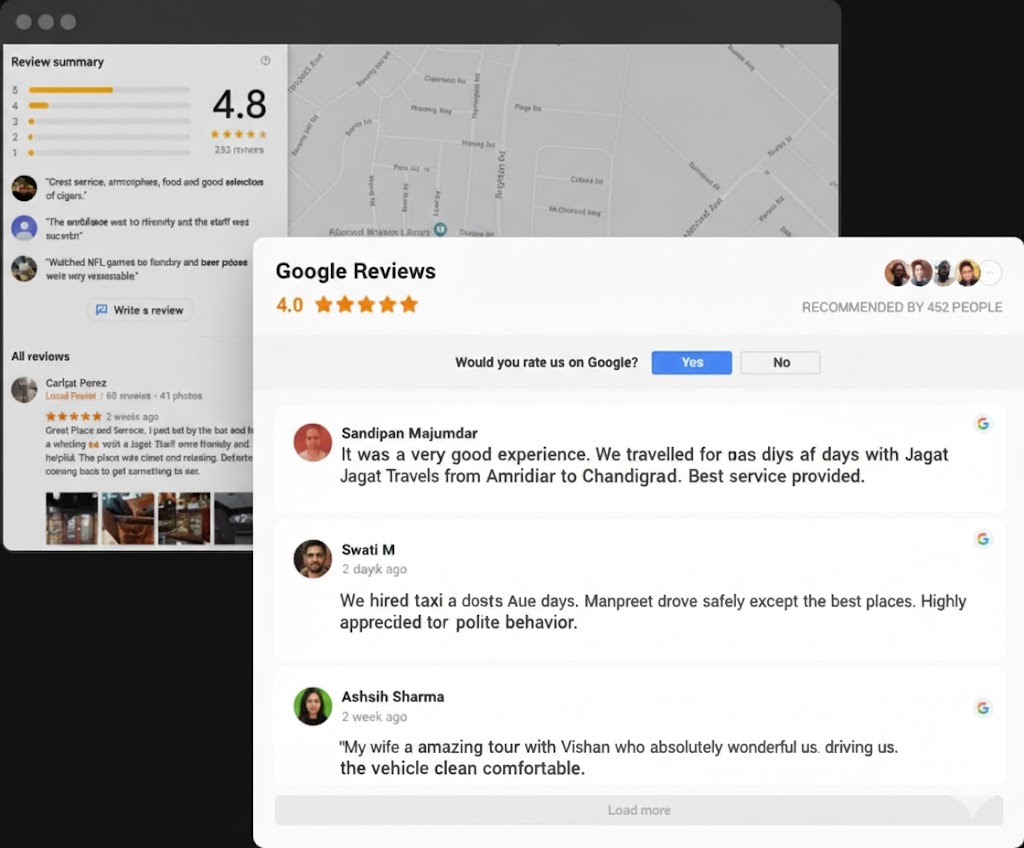
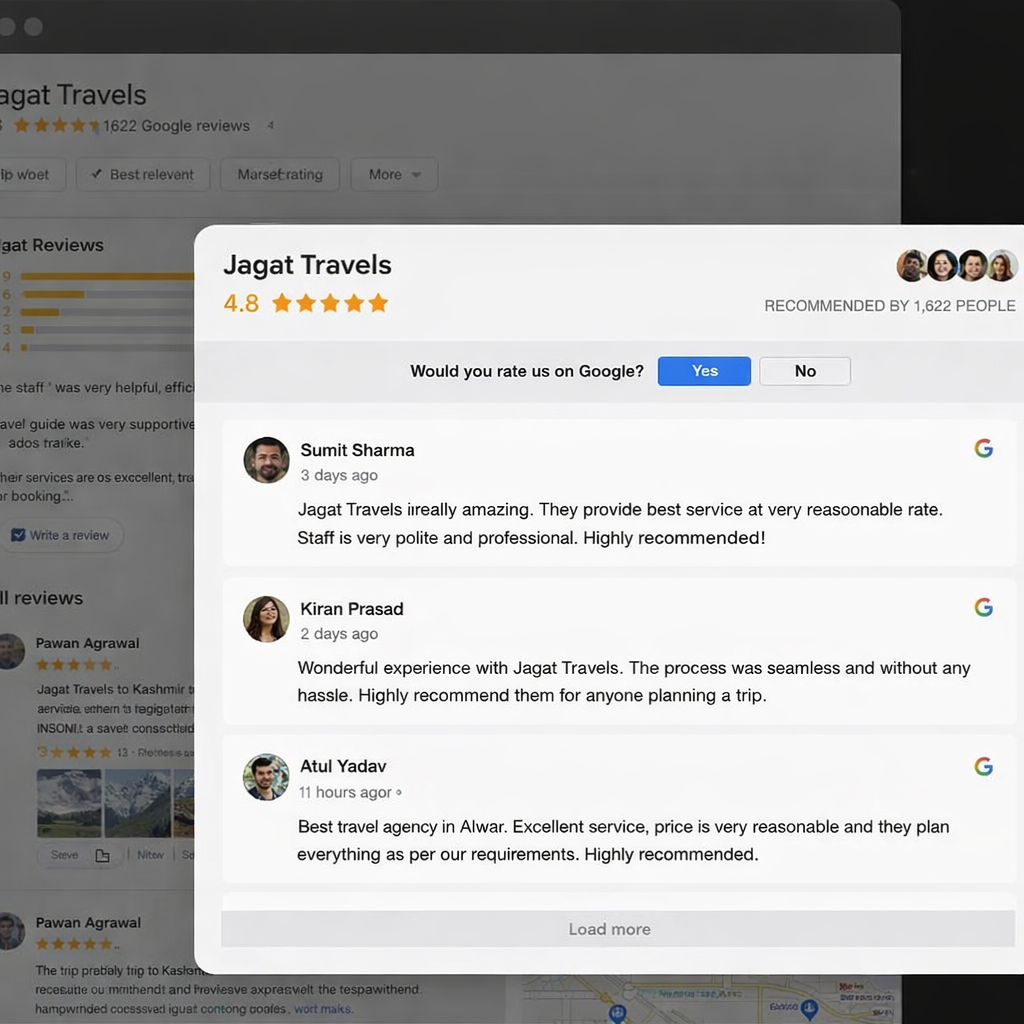
With the help of Pops Widgets Google places reviews, you will prove to your website visitors that you are a reliable partner. The header of the widget has a star rating, which is one of the most trusted types of ratings. It also shows the total amount of clients, who recommended your place with their picture, and these elements are clickable and redirect a user to your Google page. Grow customer trust showing full transparency.
Integrating Google reviews
Reviews from Google for your spotless reputation
With the help of Pops Widgets Google places reviews, you will prove to your website visitors that you are a reliable partner. The header of the widget has a star rating, which is one of the most trusted types of ratings. It also shows the total amount of clients, who recommended your place with their picture, and these elements are clickable and redirect a user to your Google page. Grow customer trust showing full transparency.
Templates and layouts
Fully flexible interface to give you customization freedom
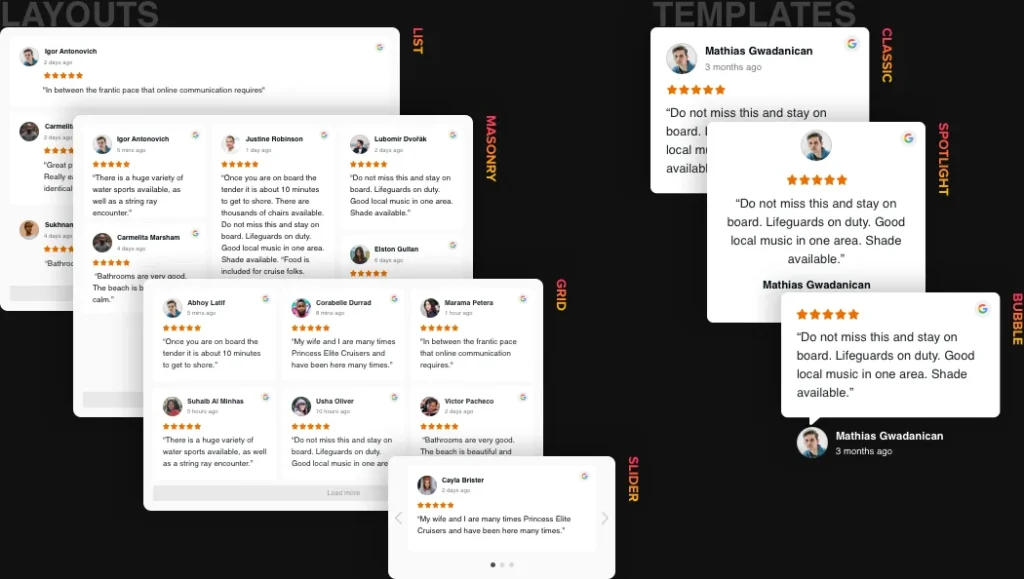
With the help of Pops Widgets Google Reviews widget, you will demonstrate to your website audience that you are a reliable partner. The header contains a star rating and shows the total amount of comments for your business. Write a review feature that readdresses users to your account on the review website. The tool also provides you with 6 variations of layout so you could place it at the best possible position on your site.
Rich style options
Balanced look is easy to get
Try a widget that will become a true match for your site in what concerns colors and style. Our reviews allows you to select colors and set fonts of the widget texts. There are five details that you can paint, and an option to adapt font size of the title and reviews text. Transform widget yourself to make it really custom without a lot of effort!
Balanced look is easy to get

Handy interactive editor
No coding, no need for a developer - our interactive configurator ensures installation in a few easy steps to save your time and money.

Handy interactive editor
No coding, no need for a developer - our interactive configurator ensures installation in a few easy steps to save your time and money.

Handy interactive editor
No coding, no need for a developer - our interactive configurator ensures installation in a few easy steps to save your time and money.
Frequently Asked Questions
Can I add Google Reviews code to any website?
Yes, you can easily embed Google Reviews code to any platform you use for content management, if you’re using a widget. You can find more on how to embed Google Reviews on any website for free, customize, and manage the widget.
On what CMS and website builders does Google Reviews widget work?
The widget looks and works amazingly on all the major platforms for site creation. Find an instruction for yours below: Adobe Muse, BigCommerce, Blogger, Drupal, Facebook Page, Joomla, jQuery, iFrame, Magento, Elementor, HTML, ModX, OpenCart, Shopify, Squarespace, Webflow, Webnode, Weebly, Wix, WordPress, WooCommerce, Google Sites, GoDaddy, Jimdo, PrestaShop.
How can I embed Google Reviews on a website?
You can easily embed the widget installation code on any website builder supporting custom HTML field:
- Create and customize Google Reviews widget in Elfsight apps
- Get an installation code
- Go to your website admin panel
- Launch a Custom code field on the needed page
- Paste your code there and save the changes
That’s it! After this simple installation your widget will appear on your website. From that very moment you’re able to make changes through Elfsight Apps and they’ll go live as soon as this. And no need to turn back to your website admin panel.
What is the best way to use Google Business Reviews on my website?
- 84% of potential buyers read testimonials before making a purchase, and this number increases each years.
- Google Business Reviews is effective because the platform strictly fights against fraudulent and bought testimonials, so people could get the most actual comments of current customers.
- Show that your services are appreciated by people on the most trusted review platform in the world. You can place visitors’ feedback on the homepage, if you want it to be notable for every visitor.
- You can also add the Google Business Reviews widget to each product page, showing rating of each item separately.
- You can find numerous examples of Google Reviews on website for your inspiration.
- Customize them the way they match your design.
How can I make the widget collect reviews?
- Reviews will show up immediately after you paste the Google business ID or business name and address to the Google Place field and click ‘Apply’.
How can I embed reviews from Google Business in my widget?
- Google Customer reviews are extremely important in ecommerce strategy. They show that business is reliable and trustworthy, because the platform strictly regulates ratings and doesn’t allow automated testimonials.
You should either paste your Google Place ID from Google My Business or find your place by business name and address: city, street, ZIP code etc. and enter Search. This simple action will present Google Customers reviews in your widget. You should simply copy installation code to the clipboard, past it to the website’s backend, and reviews will appear on your site.
How can I add reviews from Google Place or Location to my widget?
- Google Business Reviews deliver valuable info about your business to both you and your clients. Google Location Reviews are testimonials from visitors of different places left in Google Maps. You can present Google Places widget on a website with the help of a widget. First, you need to choose a template that suits your website design. Then, you’ll have to type in your Google Places ID in the required field. This simple action will make your reviews appear in widget, and then they’ll be ready to be displayed on a website.
Is it possible to filter Google place reviews?
Join 2,078,753 customers already using Elfsight Apps
Configure your widget and add it to your website for free!